







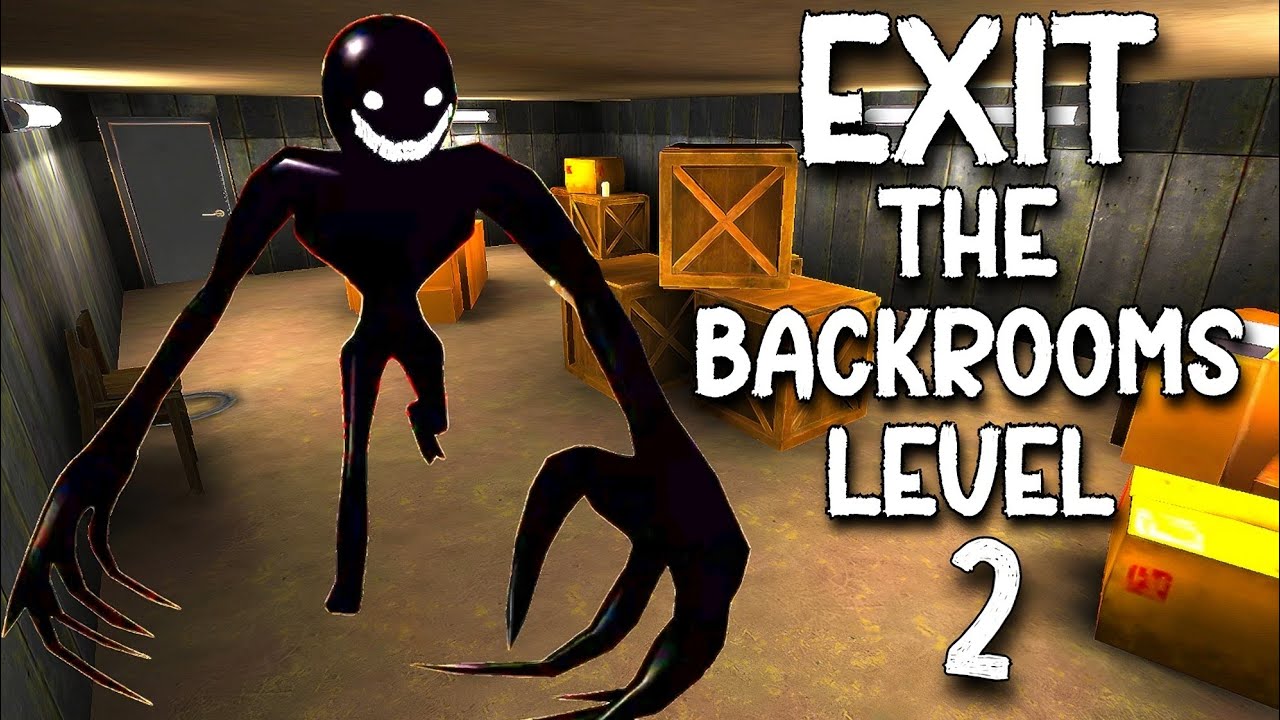
Exit the Backrooms: Level 2
Explore pipe-lined corridors, choose a game mode and work out how the passages connect before attempting an escape.
About Exit the Backrooms: Level 2
Level 2 opens in a service corridor with pipes along the walls and ventilation ducts overhead. The menu offers Classic, Don't blink and Practice (no entities). The last option lets you study the layout without the entities advertised in the other modes.
The opening corridor contains several recognizable features, including a caution sign, a wall button and a floor grate. Their positions can help you recognize a return trip, even before you know whether an object has a role in the escape.
How to Play Exit the Backrooms: Level 2
Choose Play and select a mode. Use Practice to learn the corridor layout, then return to the menu when you want a different challenge. W moves you forward. Press Tab to pause; the pause menu offers Continue, Settings and Main menu.
Keep track of connections
Remember the junction behind you before exploring a side passage. A long corridor can look like progress while taking you away from a useful connection, so distinguish a path you have checked from one you have only seen in the distance.