







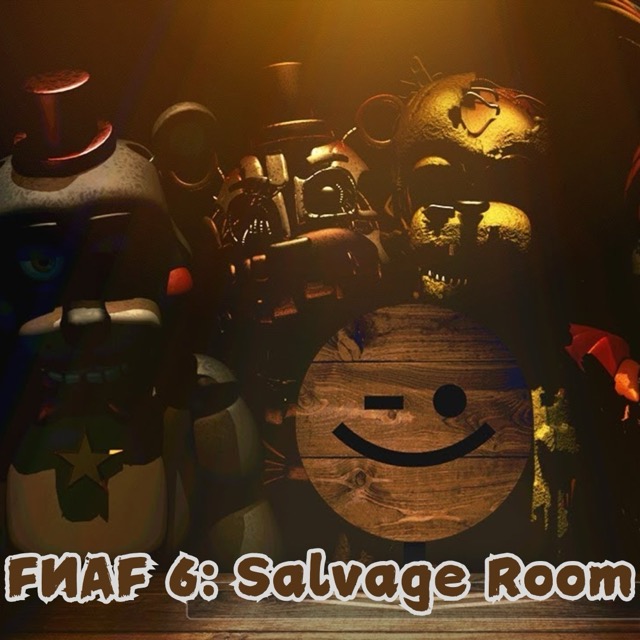
FNAF 6: Salvage Room
Inspect an animatronic across the table and keep the audio procedure connected to what you observe.
About FNAF 6: Salvage Room
Salvage Room concentrates the horror into an evaluation rather than a restaurant search. The evaluation involves listening to recordings, noting changes, and using an electrical response when the subject becomes dangerous.
The useful skill is preserving a comparison. If an interaction takes attention away from the subject, you need to recognize how its next visible state differs from the one you had already judged safe.
How to Play FNAF 6: Salvage Room
Read the inspection directions and locate the audio, recording, and defensive interactions. Establish the subject's starting appearance, advance the requested step, and look again before continuing the evaluation. Use the inspection instructions to decide when the electrical response is needed.
Audio and shock controls
Press Space to play or pause the recording. Ctrl activates the shocker. Watch the animatronic while following the inspection instructions: movement or an unusual sound is the warning to use the electrical response. Playing the recording is only one step; continue with the observations requested by the procedure.
Compare a few stable features
Remember the head and arm positions rather than trying to memorize the whole screen. After a recording or paperwork interaction, check those reference points for a change. This gives a subtle movement a clearer meaning.