



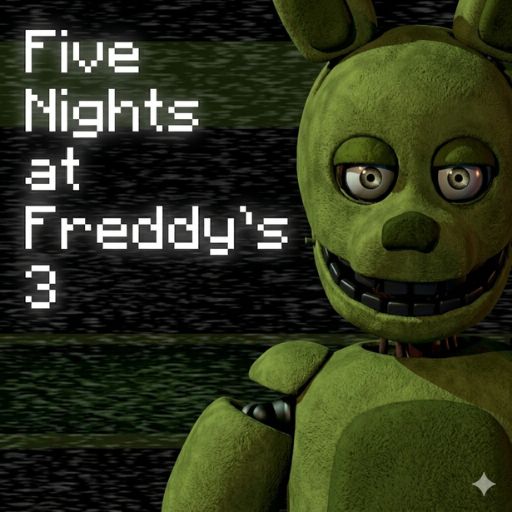
Five Nights at Freddy's 3
Track Springtrap through a decaying horror attraction while keeping the surveillance and ventilation systems working.
About Five Nights at Freddy's 3
Fazbear's Fright turns the old restaurant's history into a horror attraction. Its collected props create a different kind of night shift: a roaming physical threat shares your attention with phantom disturbances and unreliable equipment.
Instead of protecting two office doors, you influence Springtrap's route with audio and restrict access through the vents. Equipment failures reduce the information and options available to you, so a repair is part of the survival plan rather than a break from it.
How to Play Five Nights at Freddy's 3
Locate Springtrap on the camera map and use the attraction's tools to keep him away from the office. Check the ventilation routes as well as the rooms. When equipment reports an error, use the maintenance panel to restore the affected system and then confirm his position again.
Tracking versus repairing
A reboot takes attention away from the camera map. Before opening maintenance, remember the last confirmed location and likely route. After the repair, update that information instead of continuing a plan based on an old camera image.
Practical tips
- Match a vent seal to Springtrap's route; sealing an unrelated passage does not protect the approach you are watching.
- Use audio to influence a known position rather than clicking random rooms and hoping to recover control.
- When a phantom interrupts you, check which system needs recovery. Repeatedly opening a failed feed will not restore it.
Frequently asked questions
Are all the frightening figures the same threat? No. Springtrap's approach and the disruptions caused by phantom appearances have different roles.
Why is this different from FNAF 2? The main decisions concern routes, audio, vents, and repairs rather than a mask-and-music-box cycle.