Freddy Fazbear's Pizzeria Simulator: Scratch Edition
Manage a fan-made restaurant scenario and finish its after-hours work while watching the vents and heat.
About Freddy Fazbear's Pizzeria Simulator: Scratch Edition
This is a Scratch adaptation run through TurboWarp, with restaurant activities and an after-hours section involving vent warnings and heat.
The useful trade-off is between making task progress and maintaining a readable, survivable workstation. An active job can occupy your attention while a vent warning or rising heat needs another response.
How to Play Freddy Fazbear's Pizzeria Simulator: Scratch Edition
Read the project's current screen instructions and identify the task, vent, and temperature information it displays. Complete work in short intervals and return to the relevant vent when the warning calls for attention. Check the station's condition again before resuming the job.
Opening pizza minigame
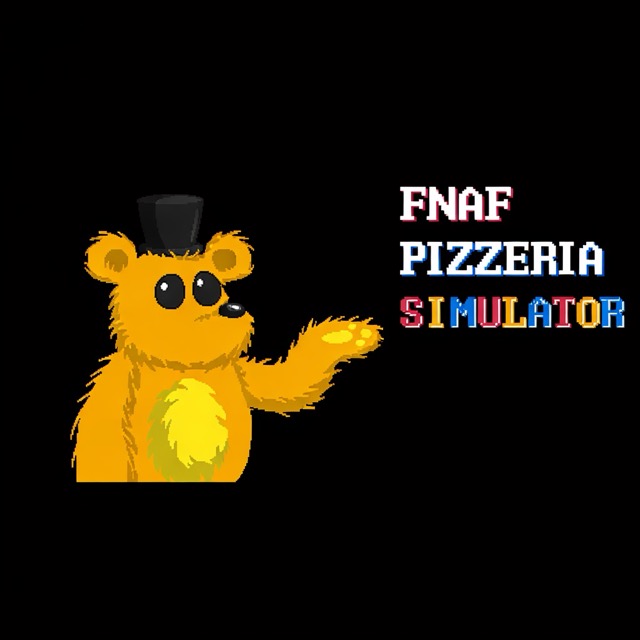
Press Space at the opening menu, then choose Go To Pizzeria. The first minigame shows Freddy with the instructions WASD to move and Space to throw pizza. Learn this opening activity before applying the separate after-hours rules.
Use this adaptation's rules
The project's author describes flashing vent warnings and specifically notes that turning off power does not affect animatronics in this adaptation. Use the vent warnings and temperature information to decide what needs attention next.