






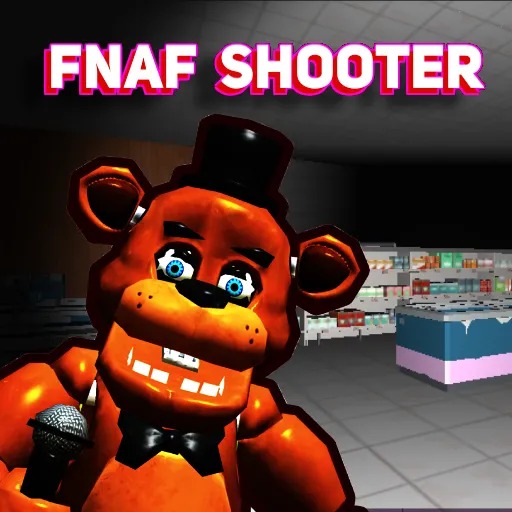
FNaF Shooter
Clear the animatronics in each combat area while using the enemy counter and map to finish the search.
About FNaF Shooter
FNaF Shooter turns the mascots into direct combat targets. Level 1 starts with an enemy counter showing 0/16, a map in the corner and a weapon bar. Use the counter to distinguish clearing nearby threats from finishing the whole area.
That changes how to approach a nearly finished area. Walking the same circuit repeatedly is less useful than comparing the remaining count with the map and choosing a route toward the unresolved threat.
How to Play FNaF Shooter
Read the equipment controls, identify the current enemy requirement, and move through the combat space. Keep room to recover while firing. After clearing the nearby opponents, check the counter and map before choosing the next route.
Controls shown in the game
| Input | Action |
|---|---|
| WASD / mouse | Move / look |
| Shift | Run |
| Left mouse button | Shoot |
| Hold right mouse button | Aim |
| Mouse wheel / 1–7 | Change weapon |
| R / F / G / T | Reload / knife / grenade / inspect weapon |
Combat and cleanup tips
- Use the map to find another approach rather than looking only in the direction of the last target.
- Reload or change equipment while you have distance from the next attacker.
- When few enemies remain, compare the counter with the areas you have already searched before choosing another route.
Frequently asked questions
How do I know whether more enemies remain? Compare the defeated count with the total shown on the counter.