
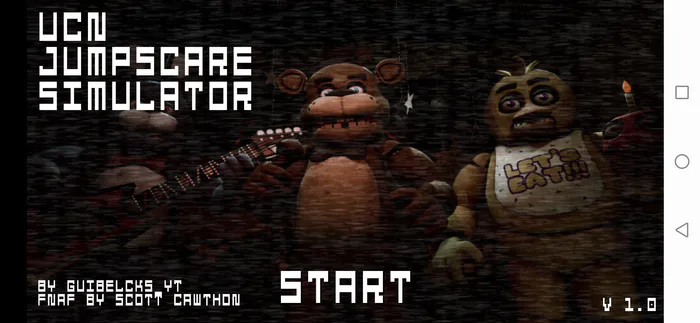
UCN Jumpscare Simulator
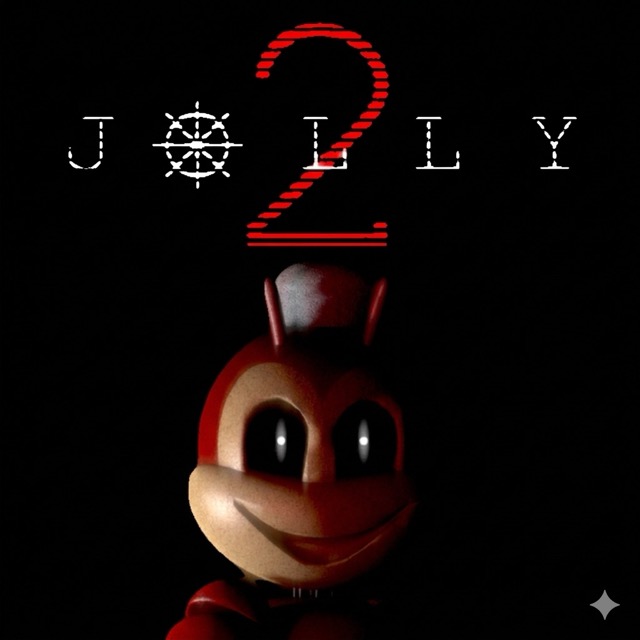
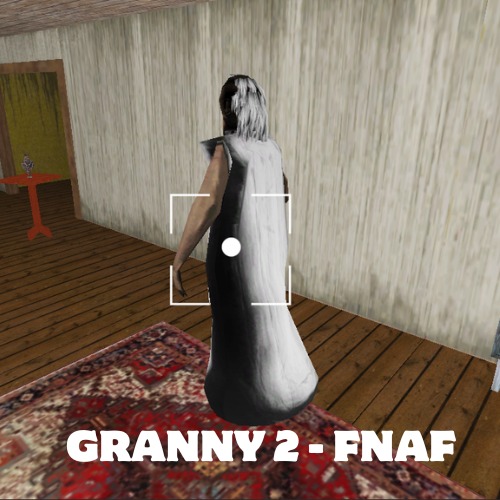
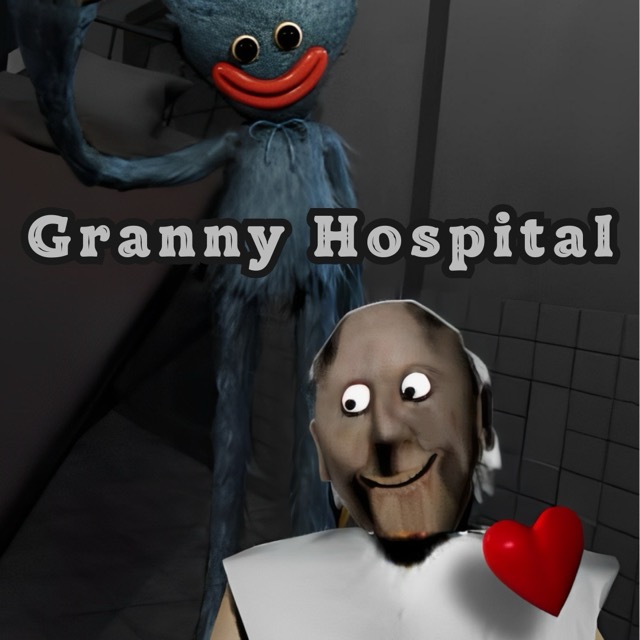
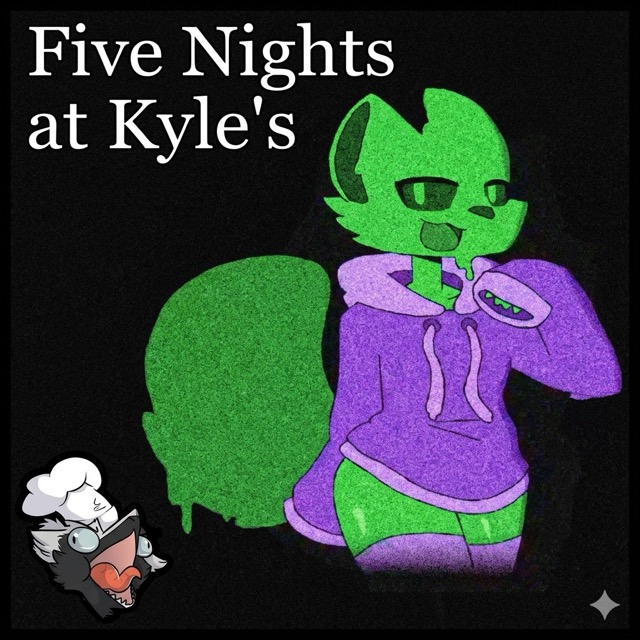
Choose an animatronic and view its jumpscare animation and sound in a character-focused showcase.
About UCN Jumpscare Simulator
The simulator collects FNAF-style scare sequences in a menu-driven format. Selecting a character lets you compare its appearance, animation, and audio without first completing a full security-office night.
The purpose is exploration of the collection. A scare playing to its end is part of the presentation, so it should not automatically be read as proof that you failed a hidden survival objective.
How to Play UCN Jumpscare Simulator
Use the mouse to select a character portrait and activate its sequence. Return to the character menu to try another selection or compare a variation.
Keep the volume at a comfortable level before starting; abrupt sound is part of the showcase. If you want to compare two characters, play their sequences separately so the differences remain easy to follow.
Use only the options actually shown in this release. A guide describing a timed dodge challenge or a complete Ultimate Custom Night office may refer to a different simulator.